Turn Your Shopify Store Into a Mobile App: Is It Worth It in 2026?
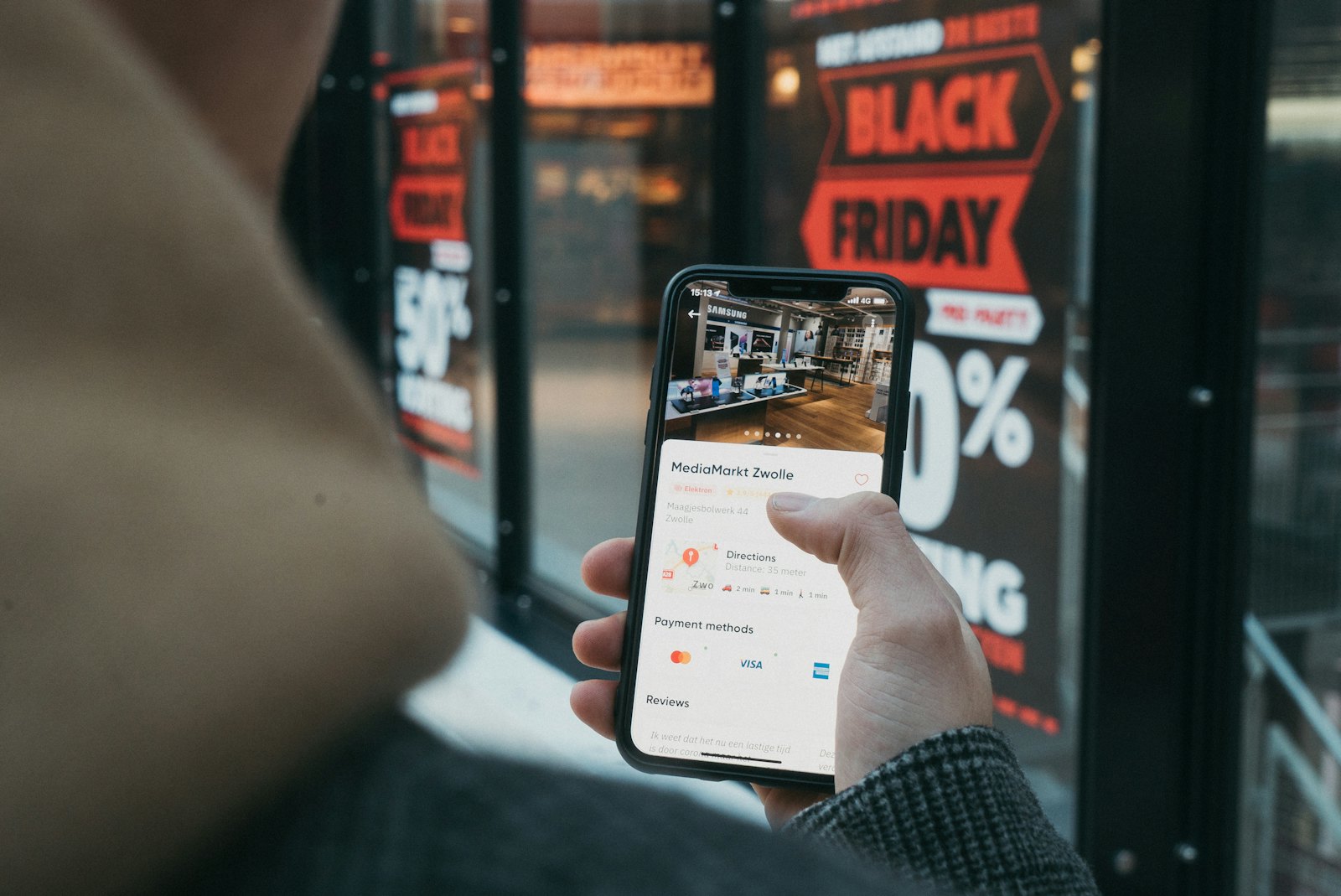
If you sell on Shopify, you've probably seen the pitch: turn your store into a mobile app and watch conversions climb. It's a real opportunity — mobile apps genuinely outperform the mobile web by a wide margin — but it's also a decision with real costs and trade-offs that the marketing tends to skip. This guide lays out the honest case for a Shopify mobile app, what the popular builders actually cost, where the catches are, and how to decide whether it's worth it for your store.
Why mobile apps convert better than the mobile web
The core argument for a shopping app is conversion, and here the numbers are striking. Across the ecommerce industry, mobile apps convert at several times the rate of the mobile web — shoppers in an app browse more products, add more to their carts, and check out more often. A few forces drive this:
- No friction on return visits. An app remembers the shopper, their login, and their payment details. There's no re-entering an email or fumbling a card number on a tiny keyboard.
- Speed. Native browsing and checkout feel instant compared to a mobile browser loading pages.
- Focus. An app is a single-brand environment with no competing tabs, no stray ads, and no algorithm pulling attention elsewhere.
- Home-screen presence. Your icon sits on the customer's phone, a permanent reminder that most marketing can't buy.
The second half of the case is retention. Push notifications — for a product drop, a restock, a sale — reach customers directly, and they reliably bring shoppers back at a fraction of the cost of paid ads. For brands that have built an audience, that owned channel is often the single biggest reason to have an app at all.
When an app makes sense — and when it doesn't
An app is not automatically right for every store. It pays off when you have repeat customers: people who already know your brand and come back. Those are the shoppers who will download an app and use it, and they're where the conversion and retention gains compound.
It makes less sense when nearly all your traffic is one-time visitors arriving from ads who buy once and never return. Asking a brand-new visitor to install an app is a big ask; for them, a fast, well-optimised mobile website is the better tool. The honest rule of thumb: build the app once you have an audience worth retaining, not as a way to acquire one.
The Shopify app-builder landscape
The market for turning a Shopify store into an app has matured, and most options fall into the "no-code app builder" category. The best known is Tapcart, which offers a drag-and-drop builder, real-time Shopify sync, push notifications and AI features. Alternatives like Vajro (now Superfans), Plobal, Shopney, MageNative and others offer broadly similar templated builders, each with its own balance of price, customisation and support.
These platforms are genuinely useful: they let a marketing team assemble and run an app without developers, they sync inventory and pricing from Shopify automatically, and they get you live relatively quickly. For many merchants they're a sensible choice.
What these builders actually cost
Here's the part the landing pages tend to underplay. Most app-builder platforms combine two costs:
- A monthly subscription, commonly in the range of a few hundred to over a thousand dollars depending on tier and features.
- A "success fee" — a percentage (often around 1.75–2.5%) of every order placed in your app, charged on top of the monthly fee.
The success fee is the one to watch. On a single order it's trivial. But it scales directly with your app's success: the more you sell through the app, the more you pay, every month, forever. For a growing brand, that percentage can quietly become one of the largest line items in the whole operation — and unlike a flat fee, it never stops climbing. You'll also need an Apple Developer account ($99/year) and a Google Play account (a one-time $25), since the app has to be published under a developer account regardless of which builder you use.
It's worth doing the arithmetic specific to your store: estimate your likely monthly in-app revenue, apply the success-fee percentage, add the monthly subscription, and project it across a year. The total often surprises merchants — and it's the context in which a flat-fee model starts to look very different.
The flat-fee, branded alternative
There's another way to get the same outcome — a branded app on top of Shopify — without the success-fee model. Instead of paying a percentage of every order, you pay a flat monthly subscription, and the app is built and published under your own brand. That's the approach we take with our Shopify store app: real-time Shopify sync, your brand and icon on the App Store and Google Play, push notifications, and native checkout — for a predictable monthly fee, with no cut of your sales.
The trade-off is honest to state. Builder platforms put a self-serve, drag-and-drop editor in your hands, which some marketing teams value; a done-for-you branded app trades some of that hands-on control for not paying a percentage of revenue and not managing the build yourself. Which matters more depends on your team and your margins. For merchants whose in-app sales are growing, the maths of a flat fee versus an ever-climbing success fee is often decisive.
A note on honesty: we have ecommerce apps in development now and none live on the stores yet, so we're not going to point you to a published example. What we can do is show you progress and a realistic timeline for your store — just get in touch.
What to look for in any Shopify app solution
Whichever route you choose — builder or branded — the same fundamentals matter:
- Real-time Shopify sync. Products, collections, inventory, pricing and orders should flow from Shopify automatically, with Shopify remaining your source of truth. You should never be maintaining a separate catalogue.
- Your brand, not theirs. Check whose name and logo appear on the store listing and inside the app. Your hard-won brand should be front and centre.
- Push notifications. This is the retention engine. Make sure you can send them easily and segment who receives what.
- Native checkout. The whole conversion advantage depends on a fast, app-native checkout — confirm it's smooth, not a web page in a wrapper.
- Transparent pricing. Understand the full cost — monthly fee, any success fee, and developer-account costs — projected at the revenue you expect, not just today's.
- Compatibility with your stack. A good app works alongside your existing Shopify apps, payment setup and theme rather than forcing you to rebuild.
How this fits the bigger picture
The decision to build an app for your Shopify store is, at heart, the same build-vs-buy question every growing business faces with software: do you rent capability on someone else's terms, or own it on yours? We explore that trade-off in depth — costs, timelines and when ownership pays off — in our guide to building a custom app for your business. The ecommerce version of the question has one extra wrinkle: the success-fee model means the "rent" can scale against you exactly when your app is doing well, which is precisely when you'd least want a growing tax on your revenue.
What launching an app actually involves
It helps to know the practical steps so the project doesn't feel like a black box. Whichever route you take, a few things are constant. You'll need an Apple Developer account and a Google Play developer account, because the app is published under a developer identity — ideally your own, so the listing is genuinely yours. The app connects to your Shopify store through its API, which is what keeps products, inventory and orders in sync; nothing is duplicated or migrated. Then the app goes through Apple's and Google's review processes before it can go live, which adds a short, somewhat unpredictable wait. After launch, the work doesn't stop: operating systems update, store policies change, and the app needs ongoing maintenance to keep working — a cost that's separate with most builders and folded into the fee with a done-for-you model. None of this is exotic, but knowing it up front lets you ask the right questions and avoid surprises. The biggest practical decision is simply who carries that operational load: your team, or whoever builds the app for you.
How to decide
Work through these in order:
- Do you have repeat customers worth retaining? If yes, an app's conversion and retention gains have something to compound on. If not, fix that with your website and marketing first.
- What would the full cost be at your real revenue? Project monthly fees plus any success fee across a year at your expected in-app sales. Compare models on that number, not the headline price.
- How much hands-on control do you need? If a marketing team wants to redesign the app weekly, a self-serve builder has appeal. If you'd rather it be handled and own the result, a done-for-you branded app fits better.
- How much does owning your brand and economics matter? If you want your name on the store and to keep 100% of every order, that points firmly toward a flat-fee, branded approach.
The bottom line
Turning your Shopify store into a mobile app is one of the higher-leverage moves available to a brand with a returning audience — the conversion and retention gains are real and well-documented. The question isn't usually whether an app helps, but on what terms you get one. App-builder platforms like Tapcart make it easy but often charge a percentage of every sale; a flat-fee branded app gives you the same outcome while keeping your costs predictable and your revenue your own. Decide based on your real numbers and how much you value owning your brand. If you'd like to see what a branded app for your Shopify store would look like, get in touch and we'll walk you through it.