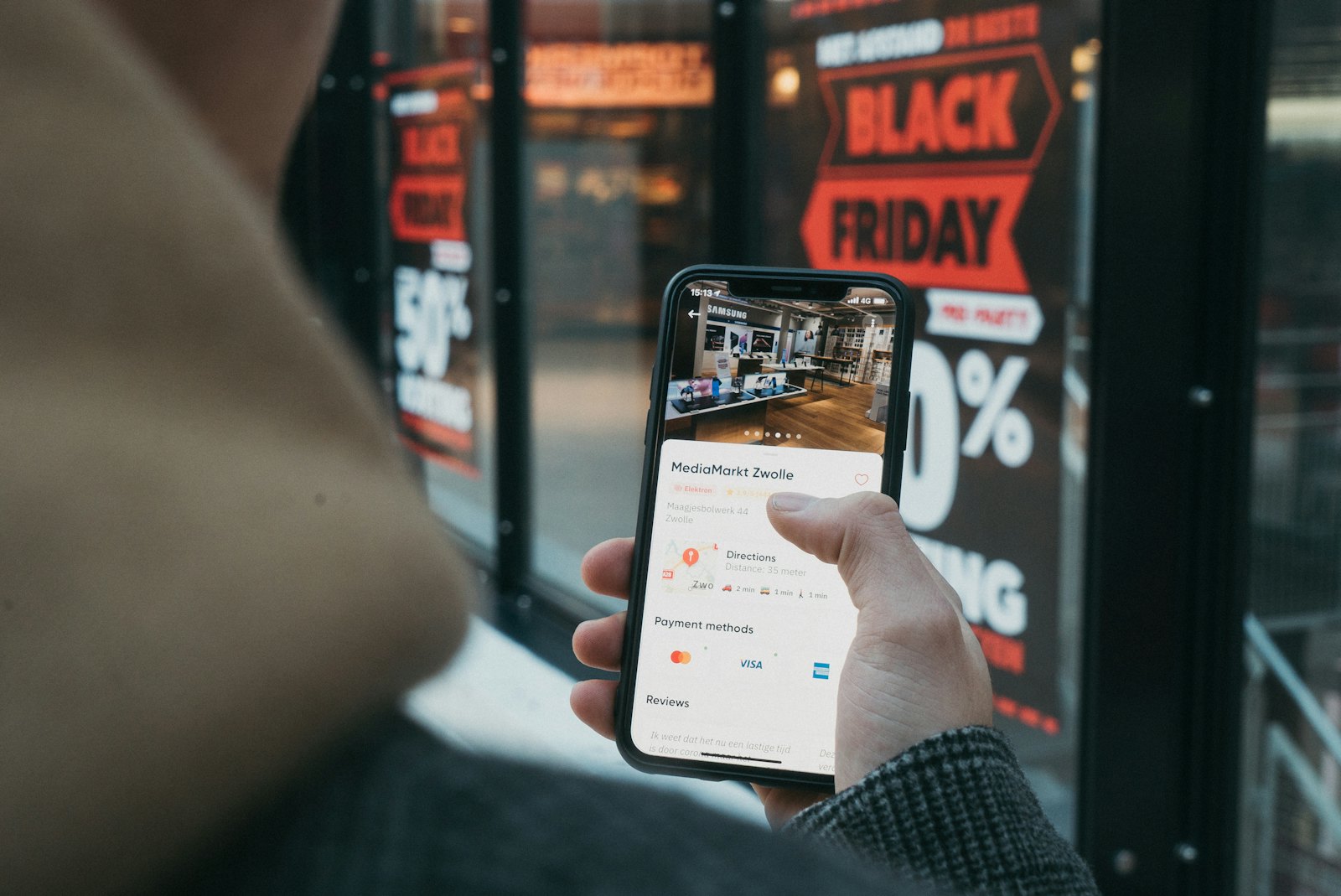
Beauty Salon Appointment Apps: How to Cut No-Shows for Good
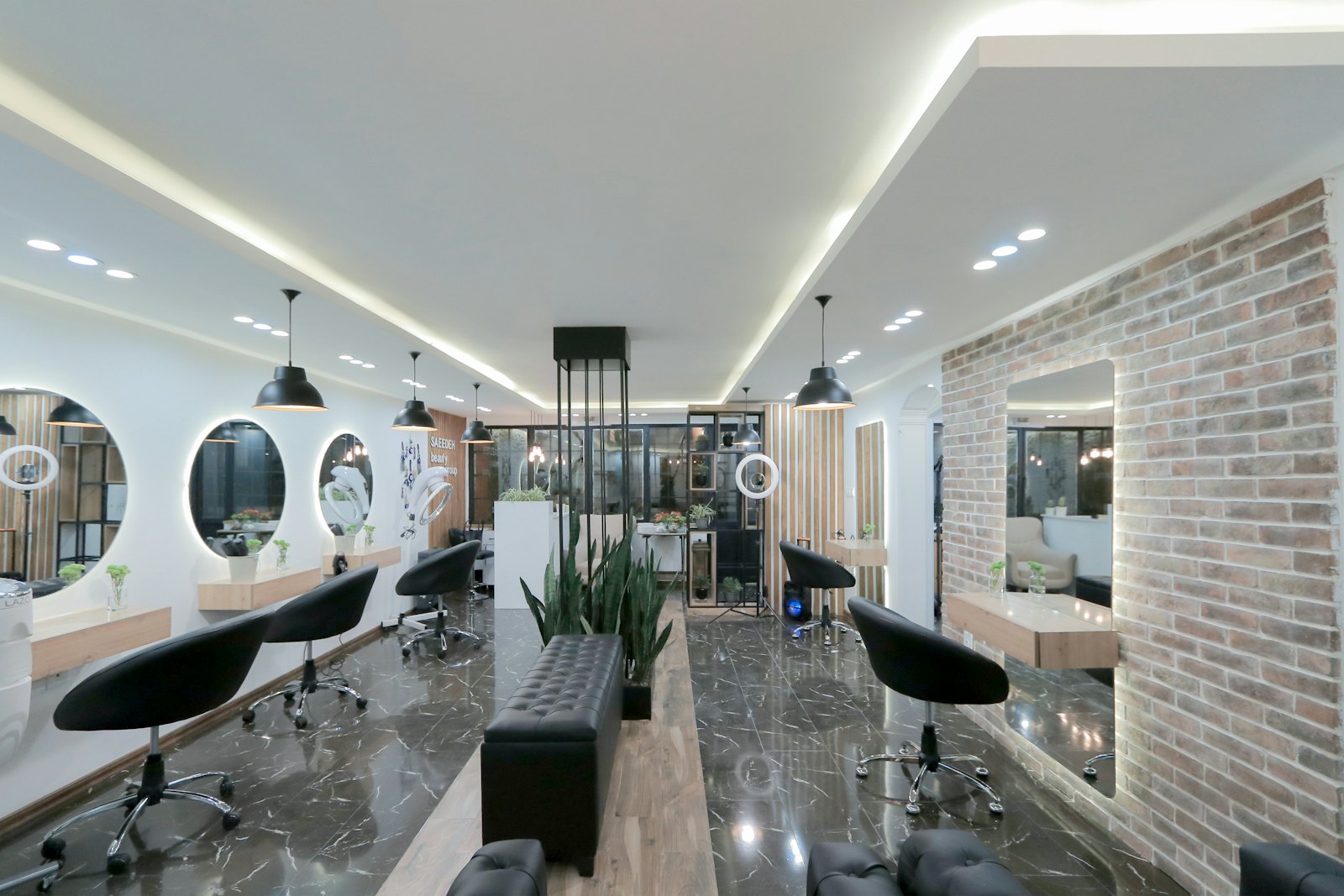
Every no-show is revenue that walks out the door and can't be recovered. An empty chair at 2pm can't be resold at 2pm. For most salons, no-shows and last-minute cancellations are the single biggest controllable drain on income — and a good beauty salon appointment app is the most direct fix. This guide explains exactly how appointment apps reduce no-shows, the scheduling features that keep your day running smoothly, and how to measure the money you get back.
The no-show problem, in numbers
It helps to see the real cost. Say your average service is worth 40 and you run 30 appointments a week. A no-show rate of 15% means roughly four and a half lost appointments a week — about 180 in weekly revenue, or over 9,000 a year, gone. That's not counting the product and prep you may have already committed.
The point isn't the exact figure; it's that no-shows are a large, recurring, and fixable number. Most of that loss disappears with two tools an appointment app provides: reliable reminders and a deposit policy you can actually enforce.
Reminders: the highest-leverage feature
People don't usually skip appointments out of malice — they forget, or life gets in the way. Reminders fix the forgetting, which is most of the problem.
A strong appointment app sends:
- An instant confirmation when the client books, with the date, time, service and a one-tap option to add it to their calendar.
- A reminder 24–48 hours ahead, giving the client time to reschedule rather than ghost.
- A short final nudge the morning of, with easy directions or a confirm button.
Push notifications and SMS both work; SMS tends to reach people who don't have your app open. The key is that all of this happens automatically — no one on your team has to remember to send anything.
Deposits and cancellation policies
Reminders handle forgetfulness. Deposits handle the casual cancellation. When a client has put money down — even a small amount — or has a card on file, the appointment carries real weight. Late cancellations drop sharply.
The best appointment apps let you:
- Require a deposit on specific high-value or long services, not every booking.
- Hold a card on file and charge a cancellation fee per your stated policy.
- Set the rules once and let the system enforce them, so you're never personally asking a client for money.
The goal isn't to punish clients; it's to make the commitment mutual. Clients who book seriously don't mind, and the ones who would have flaked think twice.
Scheduling that protects your day
Beyond no-shows, the right scheduling app keeps your operation efficient:
- Staff and resource scheduling. Match each service to the right professional and avoid double-booking a chair, a room, or a piece of equipment.
- Buffer and prep time. Automatically build in cleanup or setup time so back-to-back bookings don't run into each other.
- Calendar sync. Keep the front desk, each stylist's personal calendar, and the booking app in agreement at all times.
- Smart gaps. Some apps help fill last-minute openings by offering them to waitlisted clients automatically.
Together these turn a chaotic day of manual juggling into a calendar that mostly manages itself.
Turning a cancellation into a filled slot
Cancellations are inevitable — the question is whether the freed-up time stays empty. The best appointment apps treat a cancellation as an opportunity rather than a loss. When a slot opens, an automated waitlist can instantly offer it to clients who wanted an earlier appointment, often filling it within minutes without anyone lifting a finger. Some apps also let clients add themselves to a waitlist for fully booked days, so demand you couldn't serve doesn't simply vanish. Over a busy month, recovering even a fraction of cancelled slots adds up to real money — and it costs you nothing once the automation is set up. When you evaluate apps, ask specifically how each one handles last-minute openings, because that capability quietly separates a tool that merely records your calendar from one that actively protects your revenue.
Measuring the impact
To know the app is working, track a few numbers before and after:
- No-show rate. The headline metric — lost appointments as a share of booked ones. Expect a clear drop within the first month of reminders and deposits.
- Late-cancellation rate. Cancellations inside your policy window, which deposits should reduce.
- Calendar utilisation. What share of available slots actually get booked and kept. Self-booking plus waitlist fill should push this up.
- Rebooking rate. How many clients book their next visit before they leave. Easy in-app rebooking lifts this.
Put a euro figure on the no-show drop and the app usually pays for itself many times over.
Marketplace tool or your own app?
You can get appointment features from a shared marketplace app or from an app built for your salon specifically. The mechanics — reminders, deposits, scheduling — are similar. The difference is ownership: on a marketplace your clients live inside another brand's app and you may pay per booking; with a branded app, clients book inside your app, under your name, for a flat fee.
For the broader comparison of booking platforms and how to choose, see our guide to the best beauty salon booking apps. Our beauty salon app packages exactly these appointment tools — reminders, deposits, staff scheduling and client records — published under your own name for a flat monthly subscription.
Rolling it out without annoying clients
A common worry is that deposits or strict policies will put clients off. In practice, the opposite is usually true when you introduce them well. Explain the change briefly and positively — "to keep our calendar fair and make sure we can always fit you in" — apply deposits only where they make sense, and let the automatic reminders do the heavy lifting so clients feel looked after rather than policed. Clients who value your time rarely object to a small deposit; the ones who do are often exactly the no-shows the policy is designed to filter out. Give it a month, watch the numbers, and let the reduced gaps in your day speak for themselves.
Why clients no-show in the first place
It's worth understanding the behaviour you're fixing, because it shapes which features matter. The large majority of missed appointments aren't deliberate — they're the result of a booking made days or weeks earlier that simply slipped a client's mind, a double-booking with something else in their life, or a vague intention to cancel that never got acted on. A small minority are genuine flakiness. Once you separate the two, the solution becomes obvious: reminders solve the forgetting (most of your problem), and deposits solve the flakiness (the rest). An app that does both attacks no-shows from both angles, which is why the combination is so much more effective than either on its own. It also explains why simply "calling clients to confirm" — the old manual approach — only partly works: it's labour-intensive, easy to skip on a busy day, and reaches people at inconvenient times. Automation makes the reminder reliable and effortless, and reliability is the whole point.
What this means for your front desk
There's a second, quieter benefit that rarely makes the sales pitch but matters enormously day to day: your front desk gets its time back. Every booking taken by phone, every reminder call made by hand, every "can I move my appointment?" message answered manually is time your team isn't spending on the client in front of them. When self-booking, automated reminders and easy in-app rescheduling absorb that load, the person at your desk can focus on hospitality — greeting clients, recommending services, selling retail — instead of acting as a switchboard. Over a week that's hours of higher-value attention reclaimed, and it tends to show up in both the client experience and your average spend per visit. When you weigh the cost of an appointment app, count this saved labour alongside the recovered no-show revenue; together they usually make the decision straightforward.
How to roll it out in your first month
Treat the first month as a measured transition rather than a flip of a switch. Start by importing your existing clients and services so the app mirrors your real menu. Turn on confirmations and 24-hour reminders immediately — they're pure upside with no downside. Introduce deposits more selectively, beginning with your longest or highest-value services where a no-show hurts most, and expand from there as clients get used to the system. Tell your regulars about the new app warmly and frame it as a convenience for them ("you can now book and reschedule yourself, any time"), not as a new set of rules. Within four weeks you'll have enough data to see the no-show line moving, and that evidence makes any further changes easy to justify both to yourself and your team.
The compounding effect over a year
It's tempting to judge an appointment app by what it saves in a single week, but the real story is what compounds over a year. A few recovered no-shows each week becomes dozens of saved appointments over twelve months; a slightly higher rebooking rate becomes a meaningfully fuller calendar; a front desk freed from phone duty becomes more retail sold and more clients made to feel welcome. None of these is dramatic on any given Tuesday, which is exactly why they're so easy to leave on the table. Run the annual maths once — recovered no-show revenue, plus reclaimed staff hours, minus the cost of the app — and the case usually makes itself. The salons that benefit most aren't the ones with the fanciest software; they're the ones that picked a tool that fits their day and then let the automation do its quiet work, month after month.
The bottom line
No-shows are one of the few revenue leaks you can close almost entirely with the right tool. A beauty salon appointment app does it with automatic reminders, enforceable deposits, and scheduling that keeps your day tight. Measure your no-show rate before and after, and the value is hard to argue with. If you'd like that running inside an app with your salon's brand on it, let's talk.